



FIELD SERVICE SYSTEM INTEGRATIONS
Every system connected.
Every job informed.
Your ERP knows the asset. Your CRM knows the customer. Your FSM knows the schedule. TrueContext makes all of it available to the technician — and sends rich, structured results back the instant the job is done.
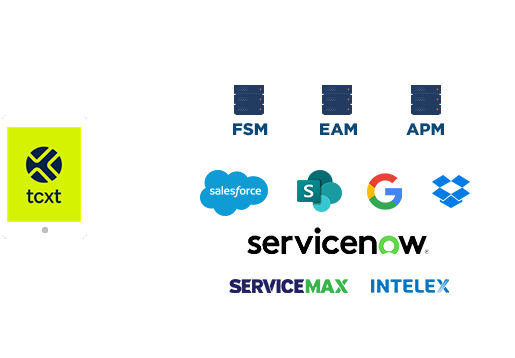
Each data point is just one piece of the intelligence puzzle.
See the full picture — from the field and beyond — in real time.
With system integrations, TrueContext becomes the connective tissue between your enterprise systems and the people who execute the work. Whether it’s an ERP, CRM, FSM, EAM, or BI platform, the platform pulls what’s relevant into the field and pushes back what matters — structured, validated, and AI-ready.




Complex field execution made easy
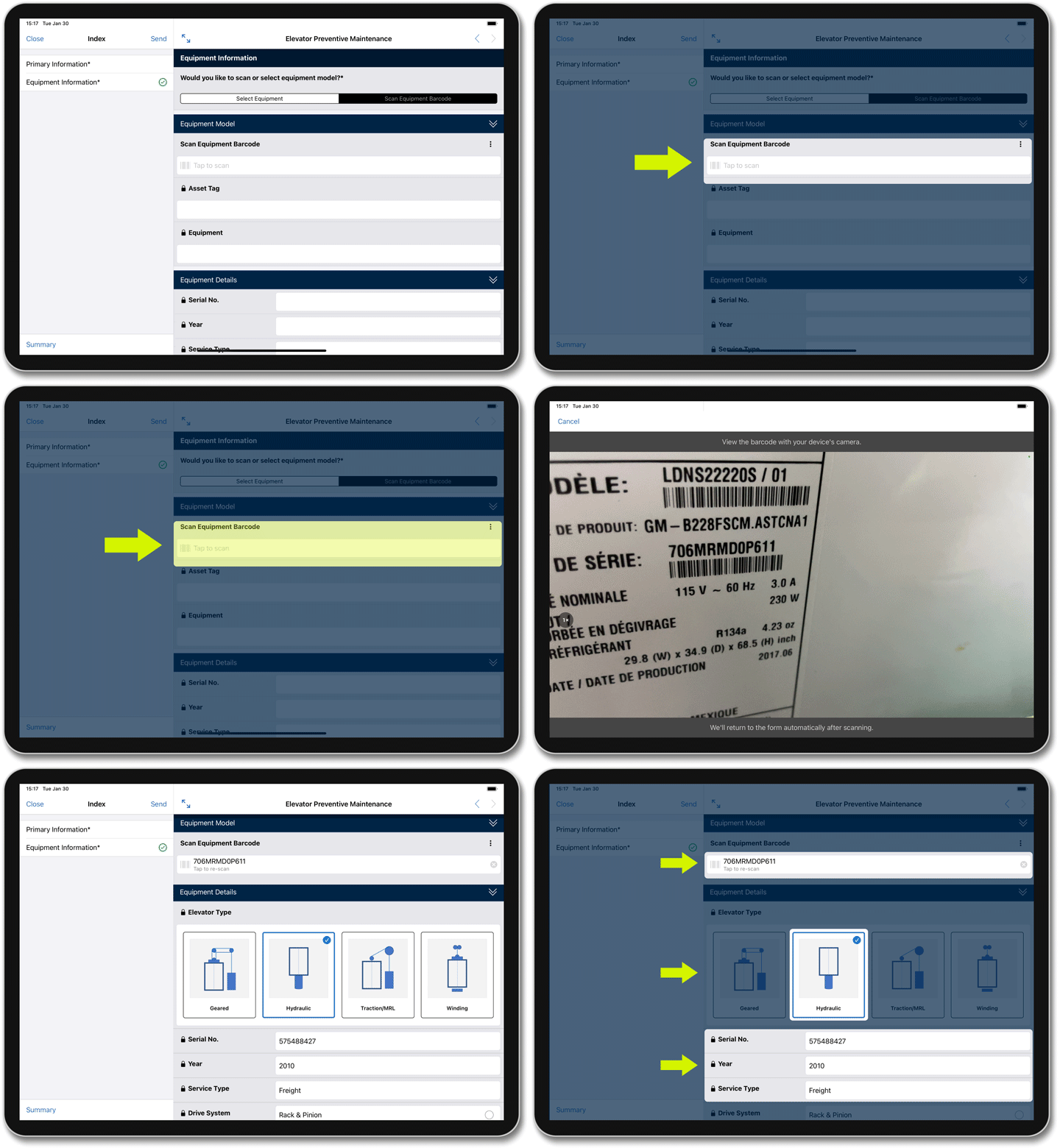
Make increasingly complex field ops simple. With logic-driven branching, TrueContext workflows adapt to real-world conditions so your teams always know what the next step is. AI makes intuitive data capture — photos, voice, OCR, barcodes, etc. — even more intelligent. Along with full offline capability, that platform equips every technician is to handle whatever the job throws at them.
Collect data your business can trust
TrueContext validates data at capture with logic-enforced completeness and accuracy. Each submission grows into a structured, integrated data ecosystem for AI-powered analytics. Automated documentation creates unbroken compliance trails ready for any audit, any day of the year.
Send data to whoever needs it
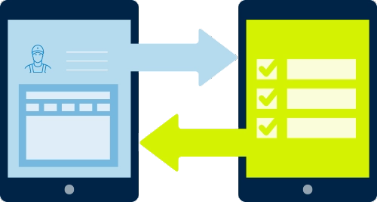
Pull context into workflows upon dispatch and push results out to any integrated back-office system, even multiple ones with a single form submission. Stream live system data at any step into an active workflow with On-Demand Data Sources and Web Hooks.
Better field technicians with every job
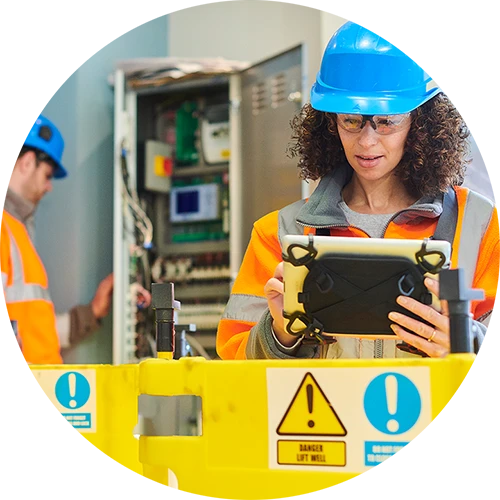
The best technicians don’t just show up — they show up knowing. TrueContext puts the full weight of institutional knowledge behind every technician on every job: service history, asset context, the right guidance for what’s in front of them, in any language, on any job. The result is a workforce that learns collectively and performs individually.

How TrueContext Integrations power the full job lifecycle
BEFORE THE JOB
Technician readniess
- Scheduled data syncs overnight so technicians have everything they need — even without connectivity on-site
- Required materials, safety protocols, and compliance checklists loaded before the first task begins
- Work orders, asset records, and customer context pulled from ERP/FSM/CRM and pre-loaded into the mobile workflow


DURING THE JOB
Live intelligence
- Adaptive workflow guides the technician through each step, including data capture — logic changes based on what they find
- ODDS queries live records mid-workflow, while Work History surfaces past records and trends
- On-Demand Web Hooks trigger AI services or external agents in workflow
AFTER THE JOB
Service innovation
- PDFs and compliance reports, generated and routed to the right records and stakeholders
- Follow-up notifications, escalations, and work orders triggered automatically
- Completed form data writes back back-office records, including BI, automatically on submission
- Data history and record history compound and feed predictive maintenance, Copilot, Agentforce, etc.
Integration capabilities by tier
INTELLIGENT
Connected technicians. Integrated field workflows.
For organizations moving beyond paper — this tier connects field workflows to back-office systems and puts real-time data in front of dispatchers, managers, and analysts.
- Out-of-the-box connectors
- App-to-App integrations
- HTTP GET / POST for bidirectional data any REST or OData endpoint
- Webhooks to push form data to any URL; HTTP File Upload, POST, PUT, Template, Contact
- REST API for full programmatic access to forms, submissions, users, and dispatch
- FTP / sFTP data sources and destinations
- Power BI, Tableau, Birst
ELITE
AI-augmented technicians. Field-driven innovation.
For organizations with mature field operations — this tier makes every workflow genuinely intelligent, with live system data at any moment and AI capability built in, not bolted on.
Everything in Intelligent, plus:
- On-Demand Data Sources
- On-Demand Web Hooks
- Work History
- Multi-language forms, documents, and resource libraries for global field operations
- Advanced AI features — smart photo profiling, voice-to-form capture, video analysis (2026)
Ways to connect TrueContext to your systems
INTELLIGENT ELITE
ELITE
Sharper data. Smarter operations. Stronger revenue.
See how TrueContext takes your enterprise systems further — faster jobs, smoother workflows, and greater business impact.